Guided setup
A step-by-step welcome connects your AI and email, with a "How do I get a key?" guide next to every choice. Skip any step and finish it later from the Overview checklist.
Features
Relay is a Windows desktop app. These are its real screens.
Agents
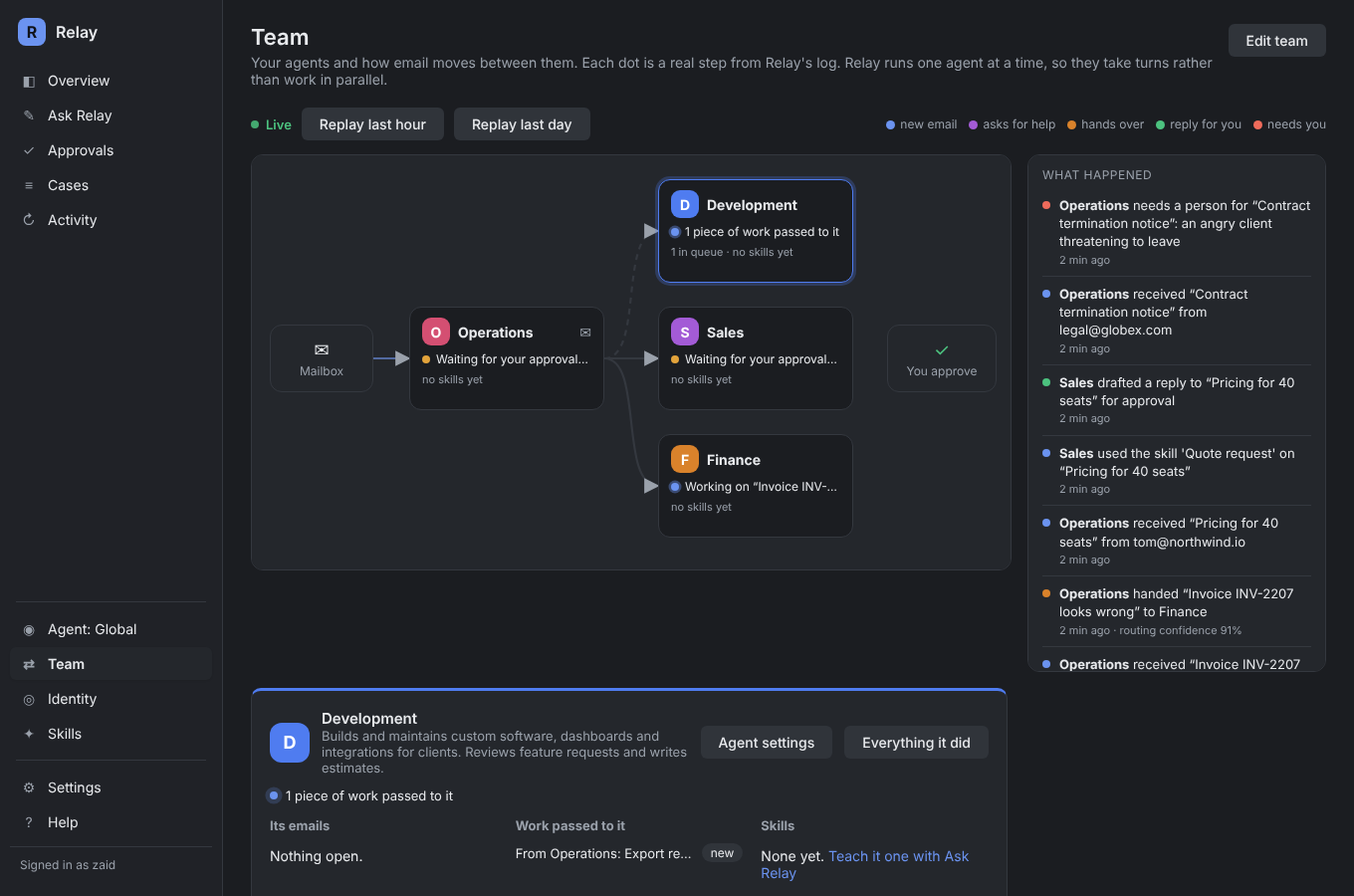
Give each agent a role, a voice, its own mailbox if you like, and its own notes and files. New email goes to the right agent. Agents pass work to each other or hand a conversation over, and Relay only follows an arrow when it's confident the email fits.
Skills
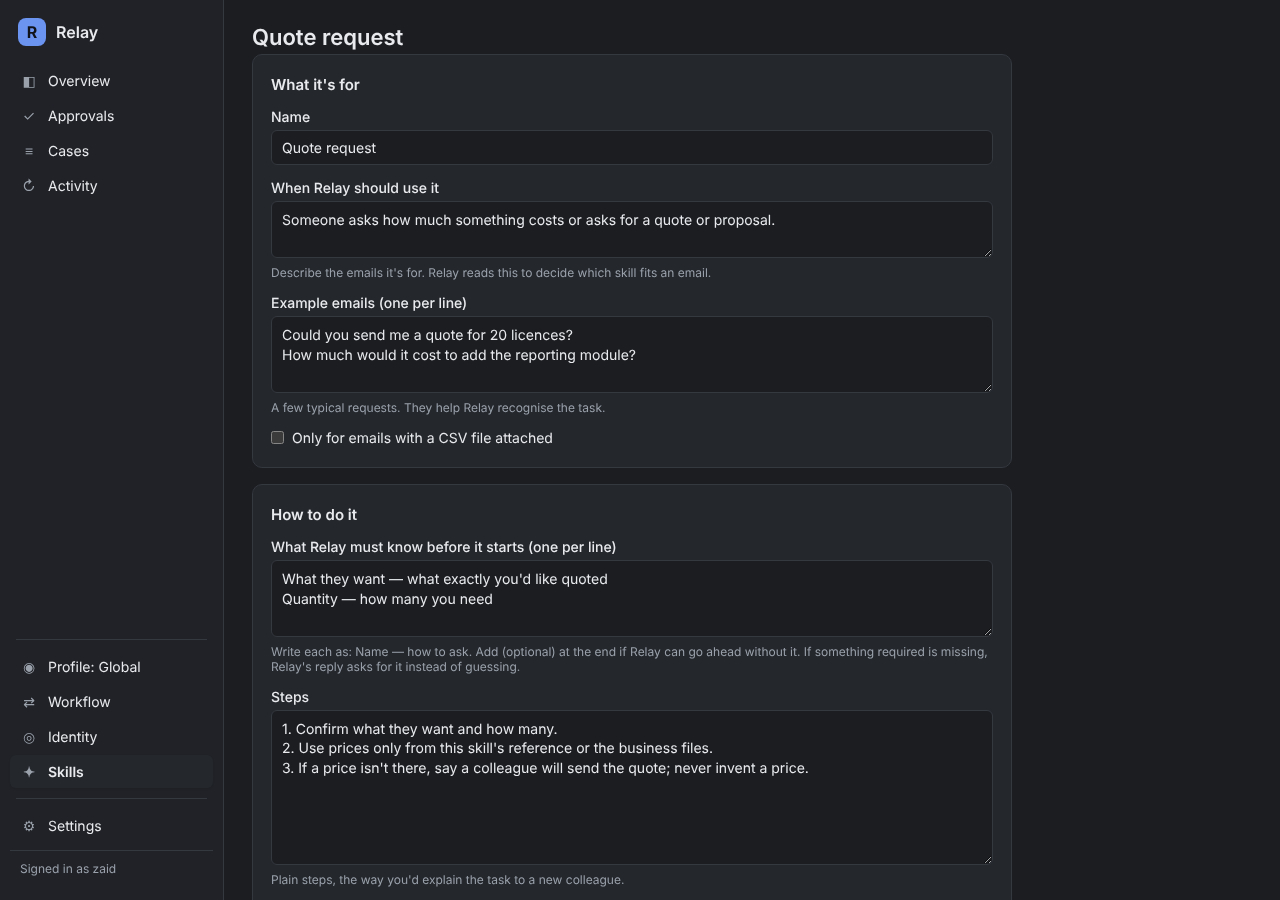
A skill is one task your business does: a quote request, a returns policy, a data action. Describe it and Relay drafts the skill for you to check: when to use it, what it must know first, the steps and how to reply. If a detail is missing, the reply asks for it instead of guessing.
Reports
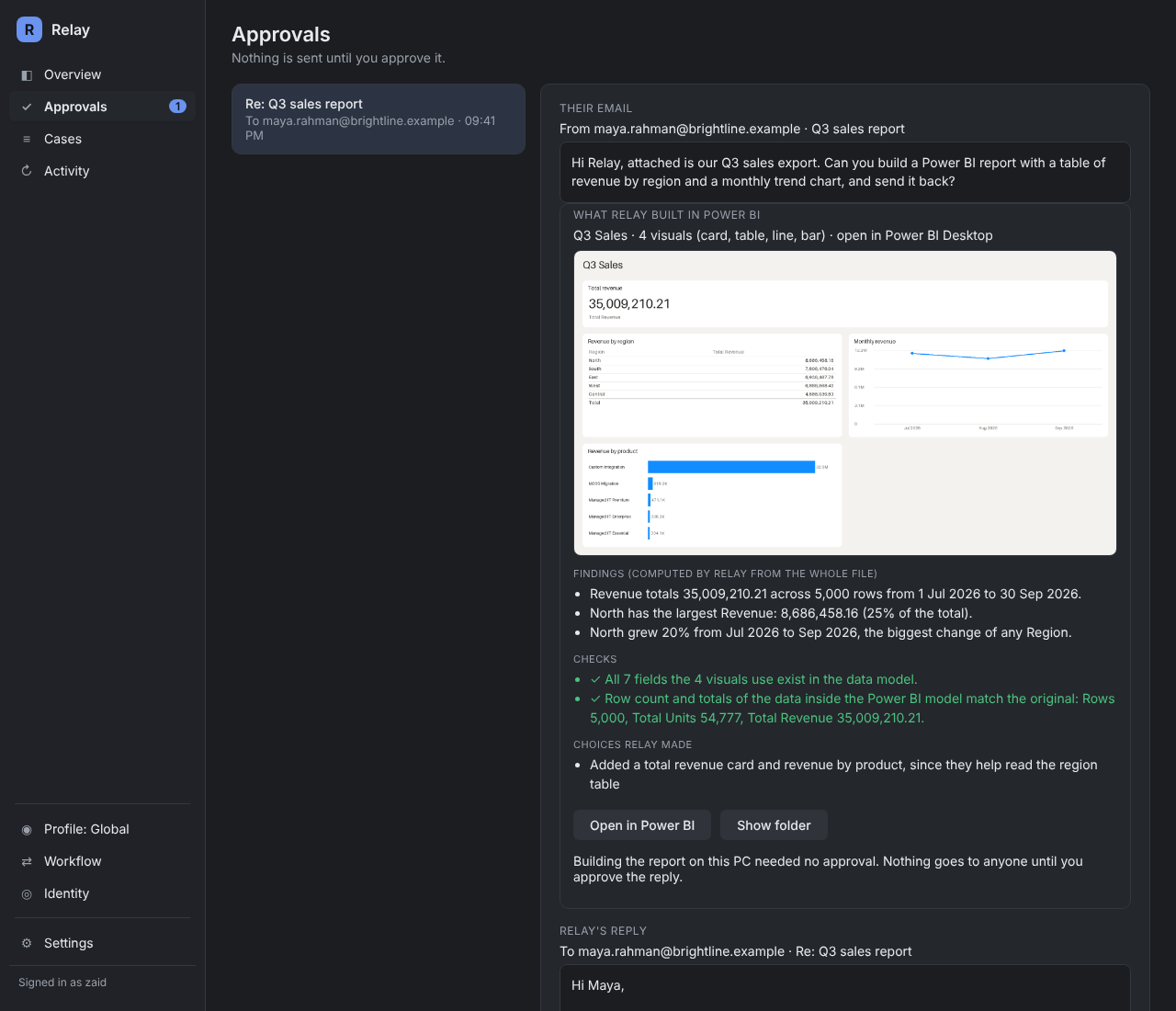
Email a data export and ask for a report. Relay writes a Power BI project, opens it in Power BI Desktop on your PC, renders a chart image for the reply and checks every total against the file. Findings like "North grew 20%" are calculated in code.
Weekly checks
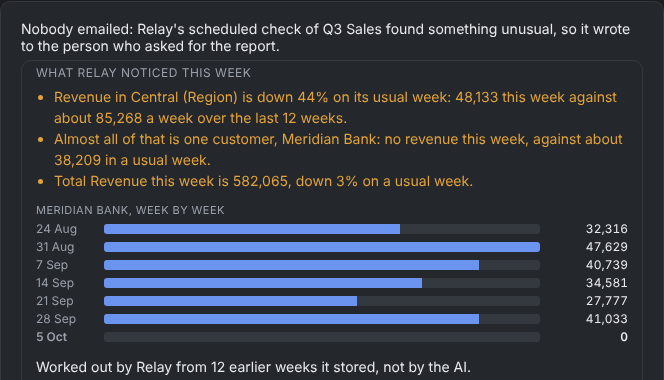
Reply "do this every Monday" and Relay keeps the report fresh each week. It compares each week with the weeks before and only writes when something is far outside normal, naming the region or customer behind it.
Your business
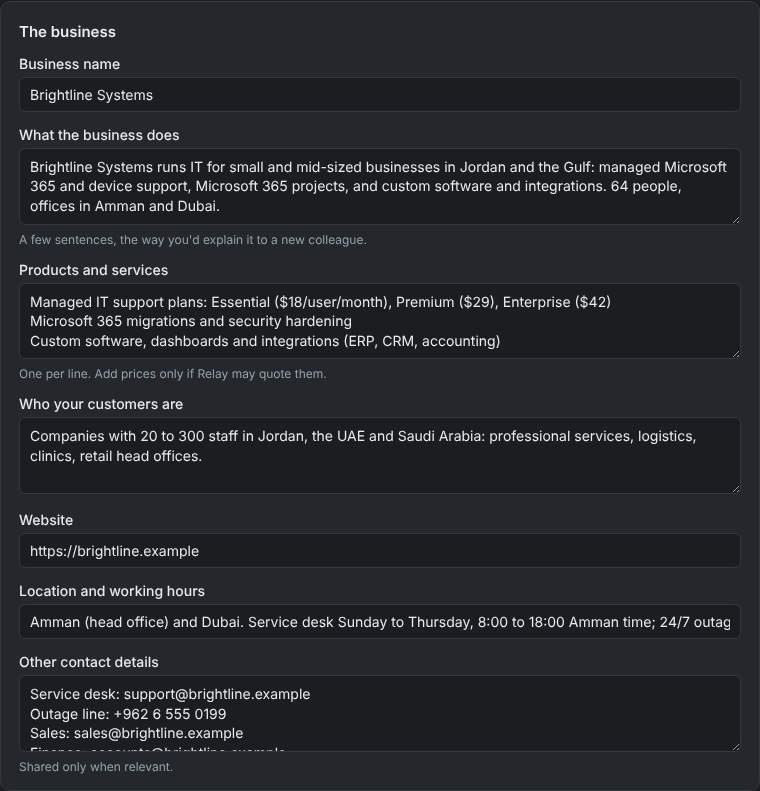
Fill in who you are, upload your price lists, policies and procedures, and let Relay study them. It writes a short brief of your business, including what it still doesn't know. Staff can teach it facts by email, and you can undo anything it remembers.
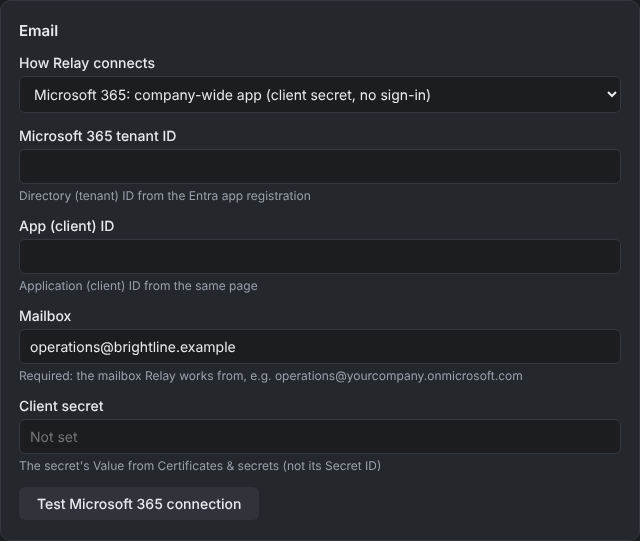
Sign in with Microsoft for one mailbox, or register a company-wide app for shared mailboxes. Gmail, Google Workspace, Yahoo, iCloud, Zoho and other providers connect with an app password. Relay reads without marking mail as read, and replies in the same thread.
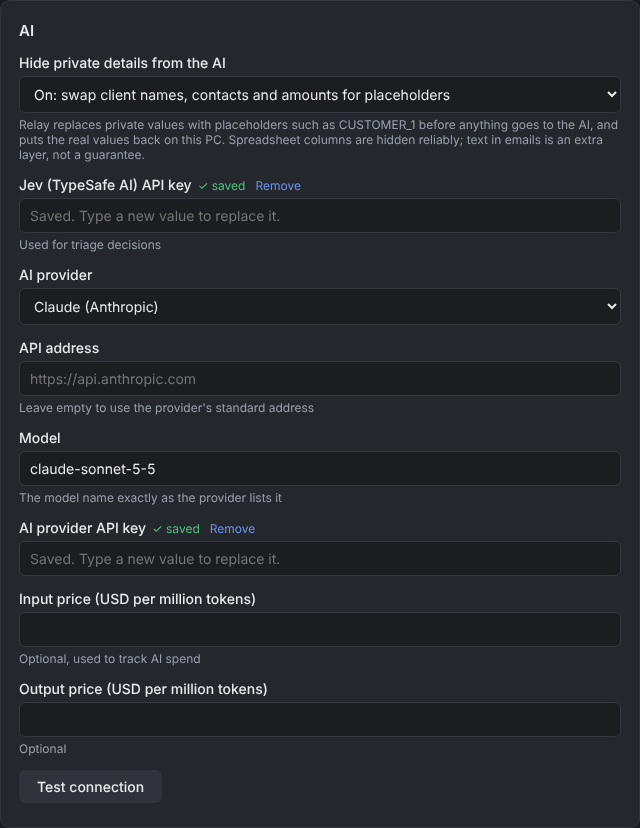
AI of your choice
Use Claude, OpenAI, Gemini, Mistral, DeepSeek, xAI, Groq, OpenRouter or any compatible endpoint with your own key, so you pay the AI company directly at their prices. Or run a model on your own hardware with Ollama.
Activity
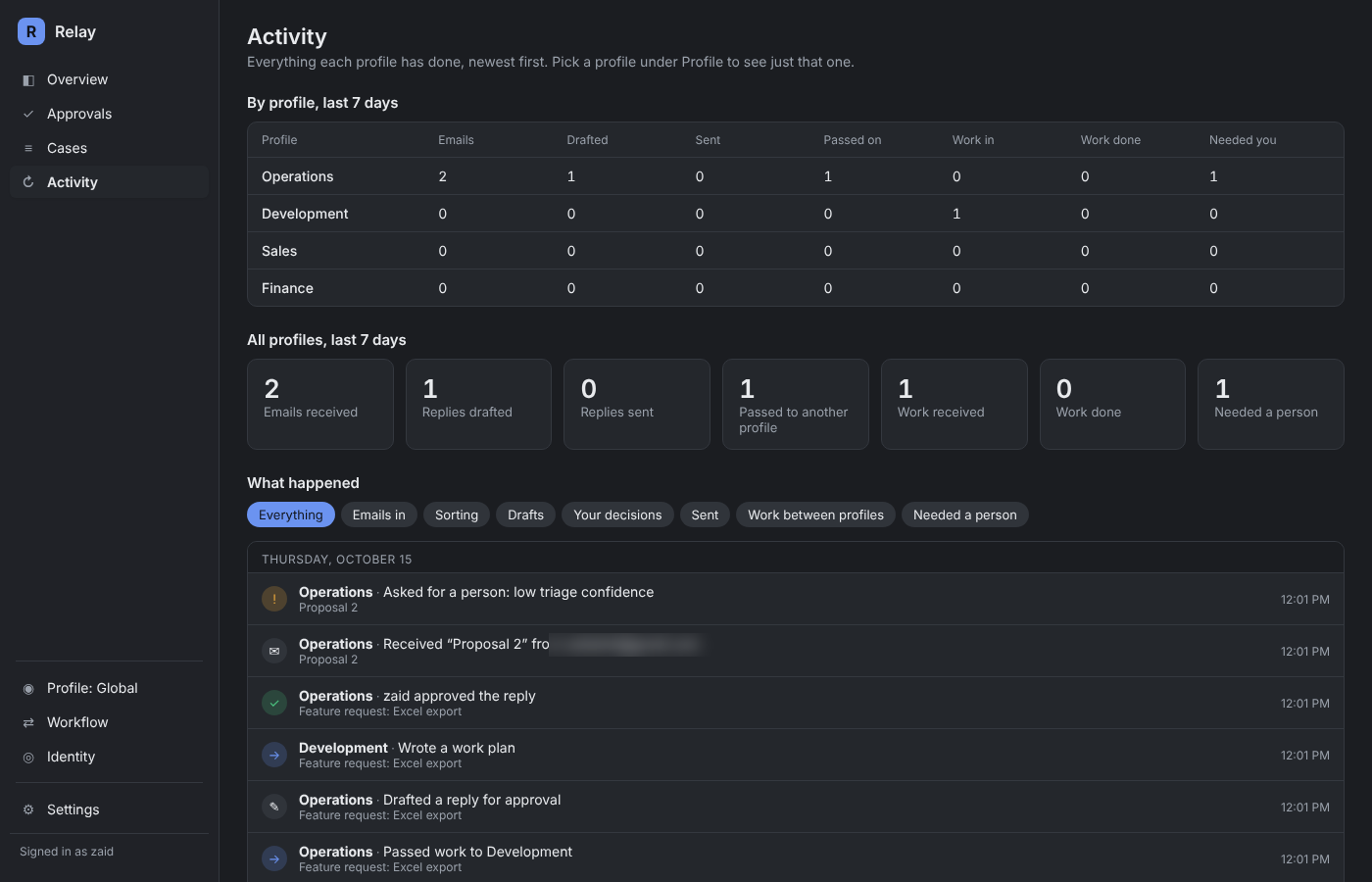
The Activity screen shows what came in, what was handled, what waited for you and what each agent did, so you can see the value in plain numbers.
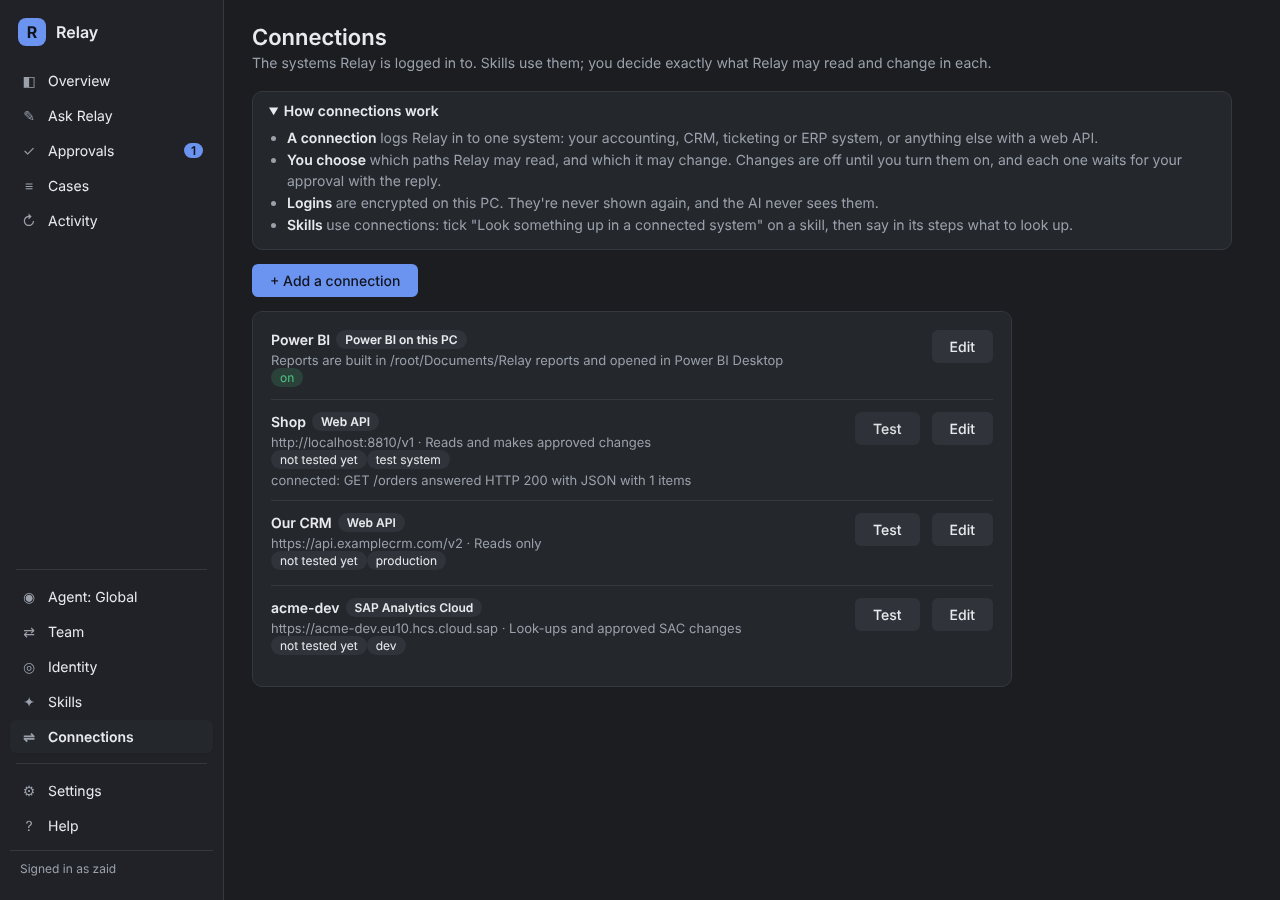
Connections
Log Relay in to your CRM, accounting, ticketing, ERP or shop system with an API key, a token, a user name and password, or OAuth. Skills then look things up to answer properly, and propose changes that wait for your approval.
Friendly from the first minute
A step-by-step welcome connects your AI and email, with a "How do I get a key?" guide next to every choice. Skip any step and finish it later from the Overview checklist.
A chat that builds your agents and skills with you from your own documents, one confirmed card at a time. Every change can be undone.
Plus help pages, tooltips and a short guided tour on every screen, built into the app. Read the docs